






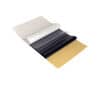
Eclipse Pro - Thermal Transfer Paper - A4 - Box of 100
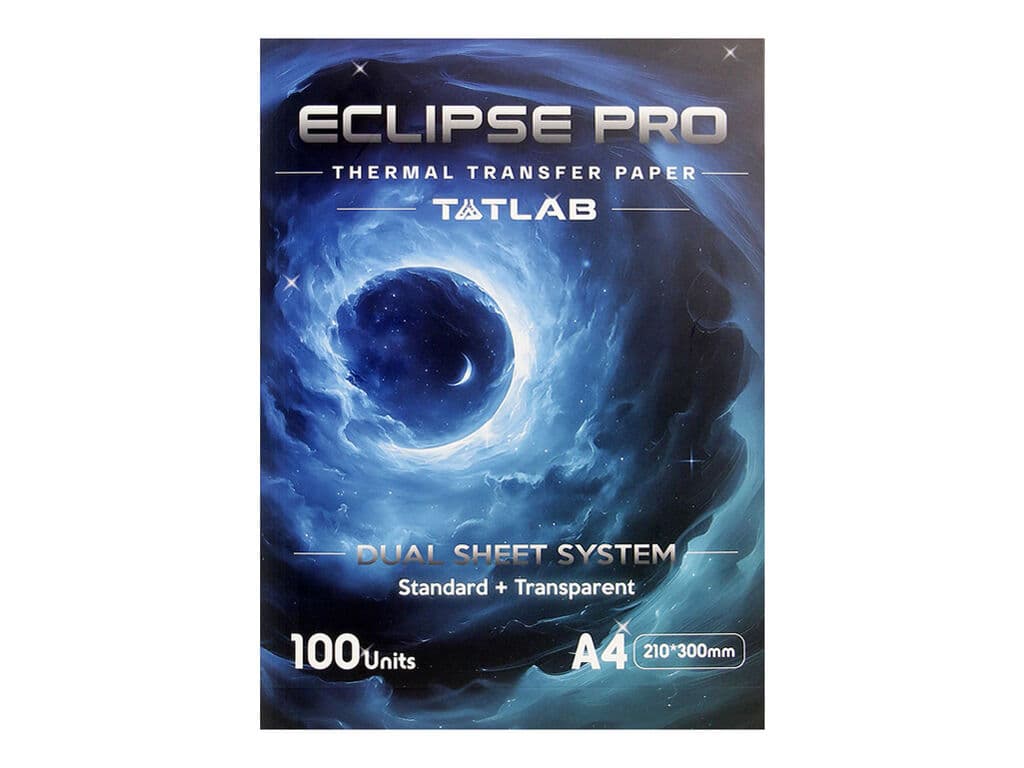
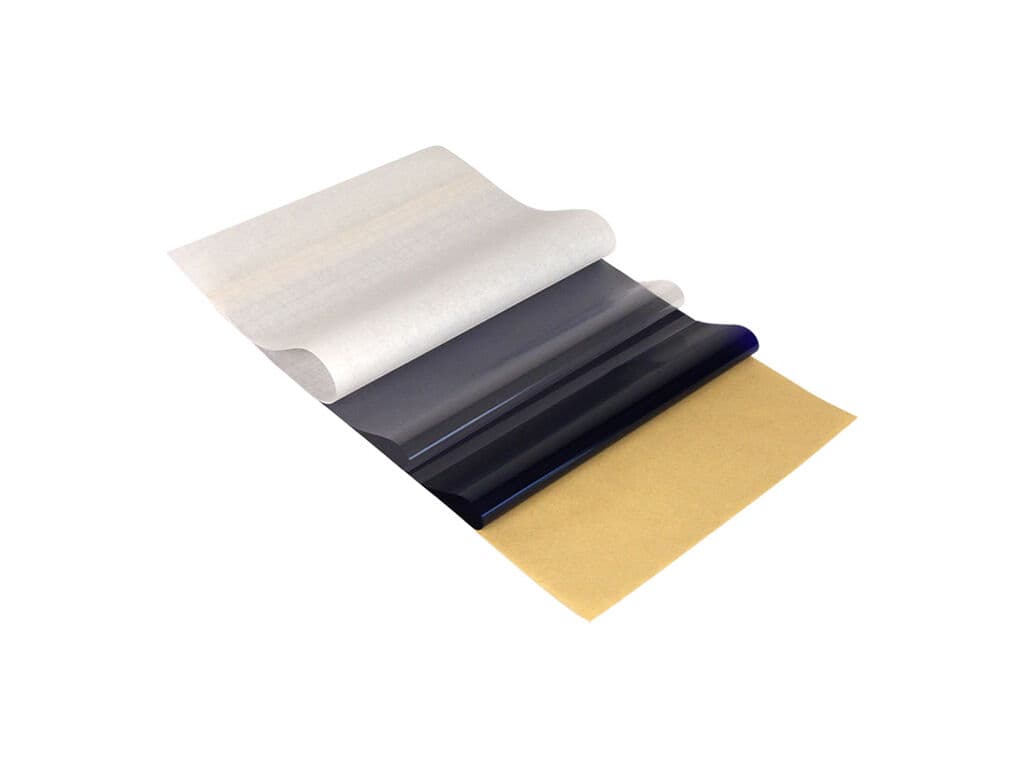
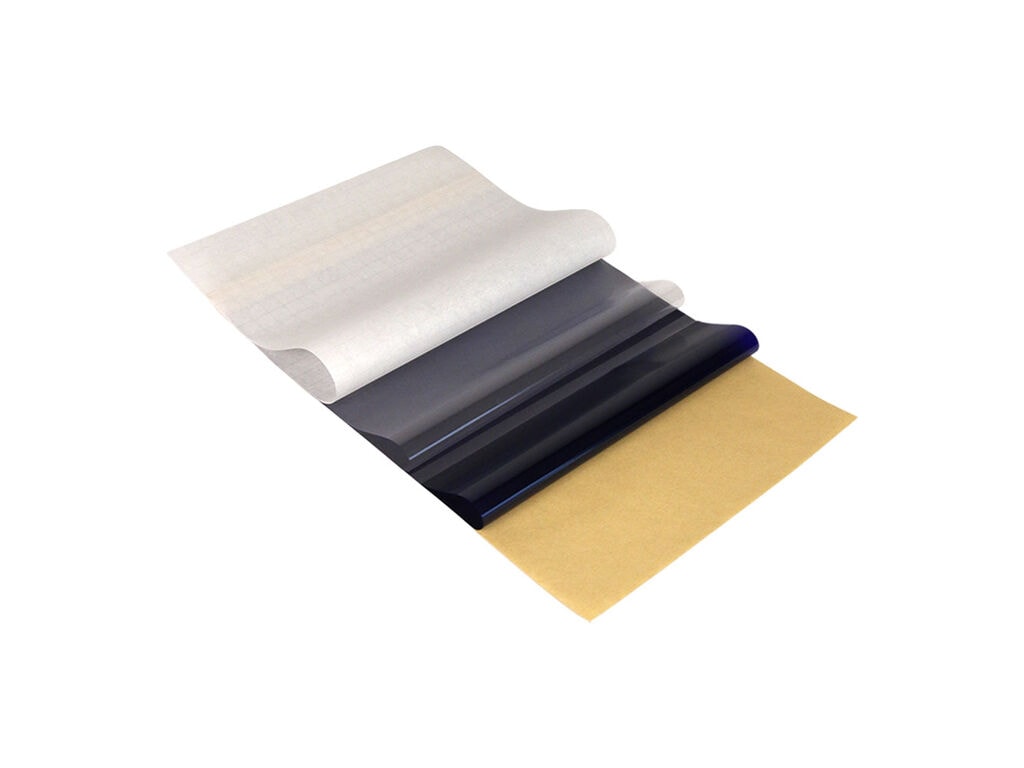
The Tatlab Eclipse Pro Thermal Transfer Paper in A4 format measures 210 x 300 mm and features a Dual Sheet System with standard and transparent stencil options.
Eclipse Pro is designed to create clean, well-defined tattoo stencils while offering greater flexibility during stencil positioning. The standard transfer sheet is suitable for everyday stencil preparation, while the transparent sheet improves visibility of the skin underneath for more precise placement.
The transparent option is particularly useful when positioning designs on more difficult areas, during cover-up work or when a stencil needs to be reapplied. Both options are designed to provide clear stencil lines that keep outlines and finer details easy to follow during tattooing.
Instructions for Use:
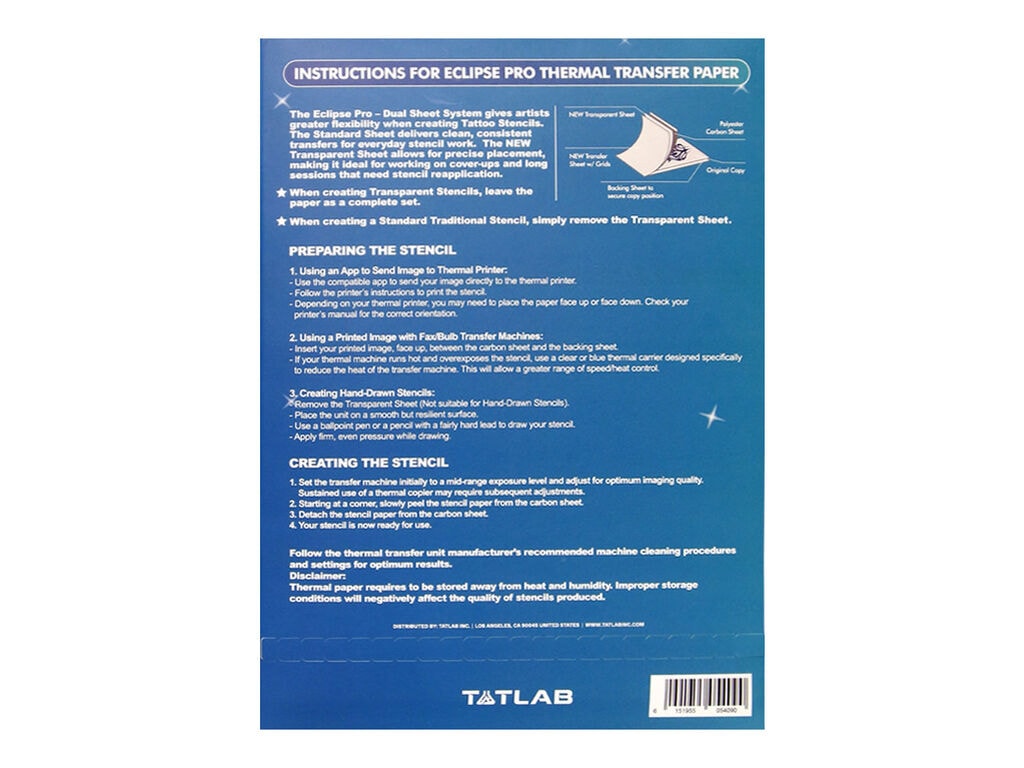
- For a transparent stencil, keep the complete sheet set together
- For a standard stencil, remove the transparent sheet before printing
- Place the paper into your thermal printer with the top layer facing up, unless your printer requires a different orientation
- Start printing, adjusting exposure settings as needed for the best result
- Carefully peel the finished stencil sheet away from the carbon sheet, and your design is ready for stencil transfer
- For hand-drawn stencils, remove the transparent sheet before use, as the transparent layer is not intended for hand-drawn stencil preparation
- Follow the thermal stencil printer manufacturer's instructions for paper orientation, operating settings and cleaning
Key Features:
- A4 format, 210 x 300 mm
- High-contrast purple carbon
- Clear, well-defined stencil transfers
- Transparent sheet improves visibility during stencil positioning
- Suitable for thermal stencil printing and hand-drawn stencils
- Designed to maintain visibility through wiping and longer sessions
- Important: Store the paper away from heat and humidity, as unsuitable storage conditions can affect stencil quality
The Tatlab Eclipse Pro Thermal Transfer Paper in A4 format measures 210 x 300 mm and features a Dual Sheet System with standard and transparent stencil options.
Eclipse Pro is designed to create clean, well-defined tattoo stencils while offering greater flexibility during stencil positioning. The standard transfer sheet is suitable for everyday stencil preparation, while the transparent sheet improves visibility of the skin underneath for more precise placement.
The transparent option is particularly useful when positioning designs on more difficult areas, during cover-up work or when a stencil needs to be reapplied. Both options are designed to provide clear stencil lines that keep outlines and finer details easy to follow during tattooing.
Instructions for Use:
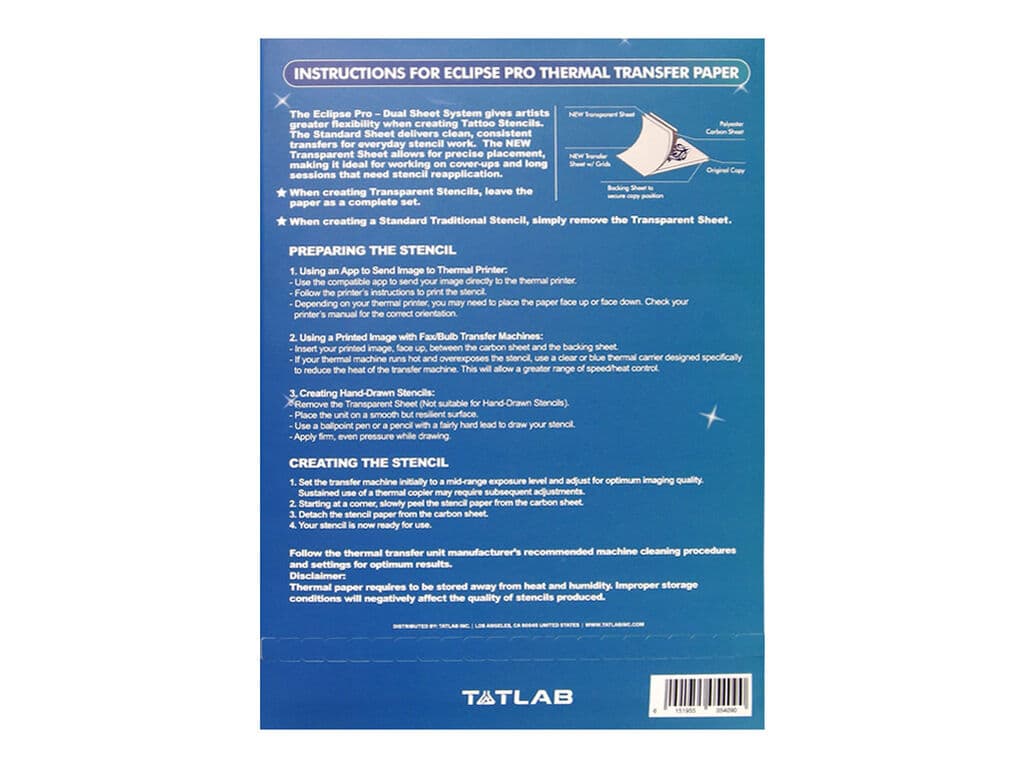
- For a transparent stencil, keep the complete sheet set together
- For a standard stencil, remove the transparent sheet before printing
- Place the paper into your thermal printer with the top layer facing up, unless your printer requires a different orientation
- Start printing, adjusting exposure settings as needed for the best result
- Carefully peel the finished stencil sheet away from the carbon sheet, and your design is ready for stencil transfer
- For hand-drawn stencils, remove the transparent sheet before use, as the transparent layer is not intended for hand-drawn stencil preparation
- Follow the thermal stencil printer manufacturer's instructions for paper orientation, operating settings and cleaning
Key Features:
- A4 format, 210 x 300 mm
- High-contrast purple carbon
- Clear, well-defined stencil transfers
- Transparent sheet improves visibility during stencil positioning
- Suitable for thermal stencil printing and hand-drawn stencils
- Designed to maintain visibility through wiping and longer sessions
- Important: Store the paper away from heat and humidity, as unsuitable storage conditions can affect stencil quality