







Thermal Printers
Product Name
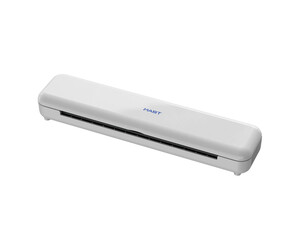
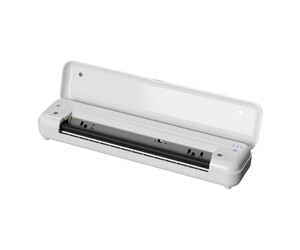
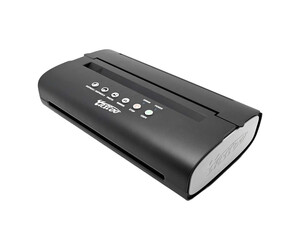
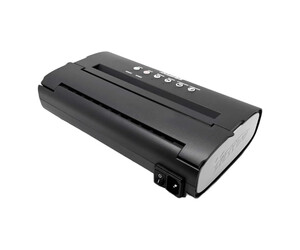
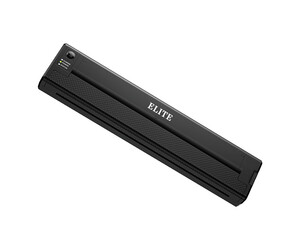
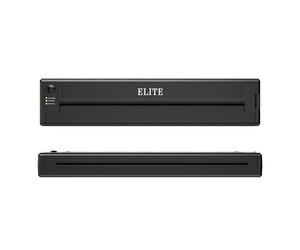
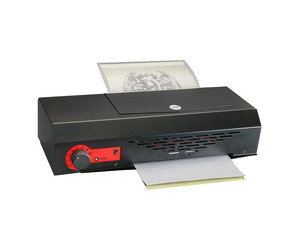
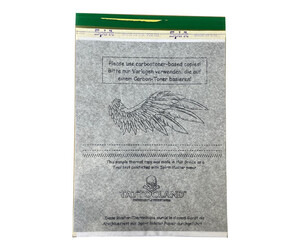
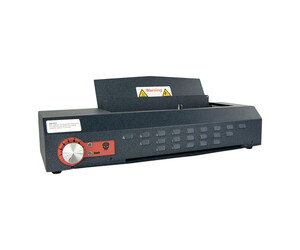
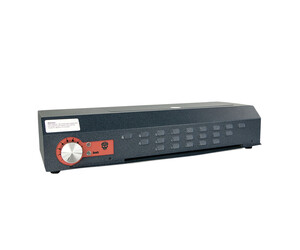
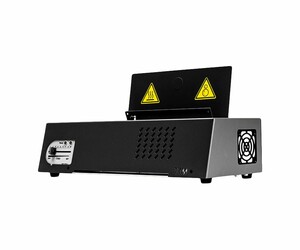
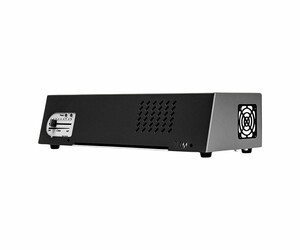
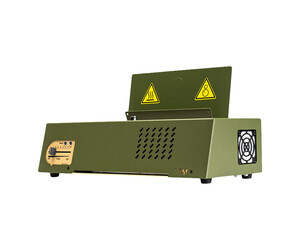
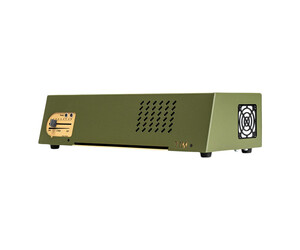
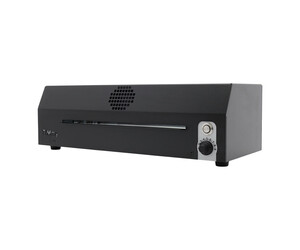
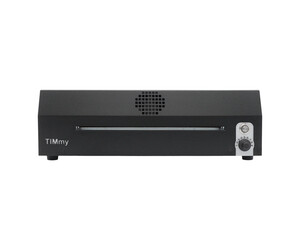
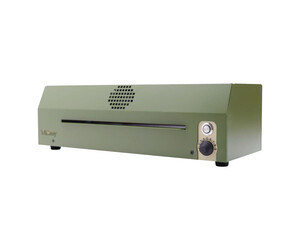
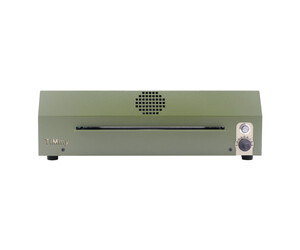
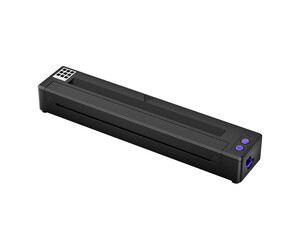
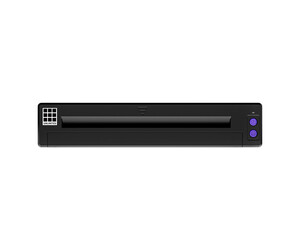
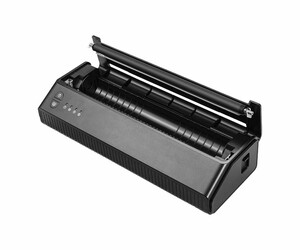
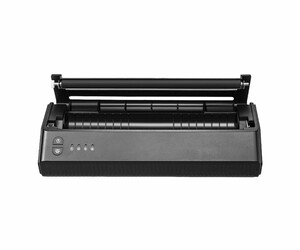
Thermal printers for tattoo professionals
At Tattooland, we offer an extensive collection of professional tattoo thermal printers that help you create precise, clean stencils for flawless tattoo application. These essential studio tools provide the accuracy and reliability you need for creating detailed designs on transfer paper.
What is a thermal printer for tattoo artists?
A tattoo thermal printer is a specialized device designed specifically for creating stencils from digital designs. Unlike regular printers, these machines use heat to transfer your design onto stencil paper, creating a perfect template for tattoo application. The thermal technology ensures crisp, clean lines that transfer accurately to skin, helping you achieve precise outlines for your tattoo work.
Professional tattoo artists rely on thermal printers because they eliminate the inconsistencies of hand-drawn stencils and provide exceptional detail reproduction. These devices are compatible with various design software and can print from your computer, tablet, or smartphone, making them versatile additions to any tattoo studio setup.
Top tattoo stencil printers for professionals
Finding the right tattoo stencil printer can significantly improve your workflow and results. Our selection includes trusted brands known for their reliability and print quality. Professional-grade thermal printers deliver consistent performance with features like automatic calibration, adjustable heat settings, and compatibility with different stencil paper types.
Many artists prefer our portable thermal printers for their compact size and ease of use. These lightweight options are perfect for traveling artists or studios with limited space, without compromising on print quality. For busier studios, our high-volume models can handle continuous printing throughout the day. Pair your printer with quality stencil supplies for optimal results.
How to use a thermal printer to make tattoo stencils
Creating stencils with your thermal printer follows a simple process that delivers consistent results. First, prepare your design in your preferred software, ensuring it's sized correctly for the intended placement. Connect your computer to the thermal printer using USB or wireless connectivity, depending on your model.
Load the thermal stencil paper with the coated side facing down, then send your design to print. The printer uses heat to transfer the image onto the paper, creating a carbon copy that can be applied to skin. After printing, allow a few seconds for the stencil to cool before handling. Apply to clean, prepared skin using a stencil transfer solution for best results. Complete your professional setup with quality tattoo machines and tattoo ink from our extensive collection.
Brother printers and compatibility for tattoo stencils
Many artists ask: "Can I use a Brother tattoo printer for stencil transfer?" While standard Brother printers aren't designed specifically for tattoo stencils, certain Brother thermal printer models can be adapted for tattoo use with the right thermal paper. The popular PocketJet series, for instance, can work effectively with tattoo stencil paper.
For optimal results, we recommend dedicated tattoo thermal printers that are specifically calibrated for stencil creation. These specialized devices ensure the correct heat level and printing precision required for tattoo transfers. They also typically include features like automatic sizing and multi-copy functions that standard office printers lack.
At Tattooland, we stock thermal printers that are ready to use right out of the box, with settings optimized for tattoo applications. Complete your studio equipment with professional hygiene and skin care products to ensure a safe tattoo process for your clients.
Whether you're upgrading your existing setup or building a new studio, investing in a quality thermal printer is essential for professional tattoo work. Browse our selection of tattoo thermal printers today and experience same-day shipping on orders placed before 5 PM. For personalized advice on selecting the right printer for your specific needs, contact our customer service team.